The smart recliner bed features most worth having are presets for your favourite positions, a simple remote with a backup way to operate the bed, under-bed night lighting, quiet motors and a sensible warranty. App and voice control are convenient for some people but depend on Wi-Fi and a phone, and extras such as massage or USB ports are nice rather than essential. Choose by who will use the bed, not by the length of the feature list.Â
Modern recliner beds come with a growing list of smart features: apps, voice commands, memory positions, lights, massage and more. Some of these make daily life easier, while others add complication and little value. If you are choosing a bed for yourself or for a parent, it helps to know which features earn their place. Here is a practical guide.
Features at a GlanceÂ
| Feature | What It Does | Worth It For | Things to Ask |
| Memory presets | Saves favourite positions at the press of a button | Almost everyone | How many can be saved, and is it easy to set? |
| Wireless remote | Controls the bed without a cable | Almost everyone | What is the battery life, and is there a spare? |
| App control | Operates the bed from a phone | Tech-comfortable users | Does it need Wi-Fi, and does the bed work without it? |
| Voice control | Responds to spoken commands | People with limited hand strength | Which assistants does it support? |
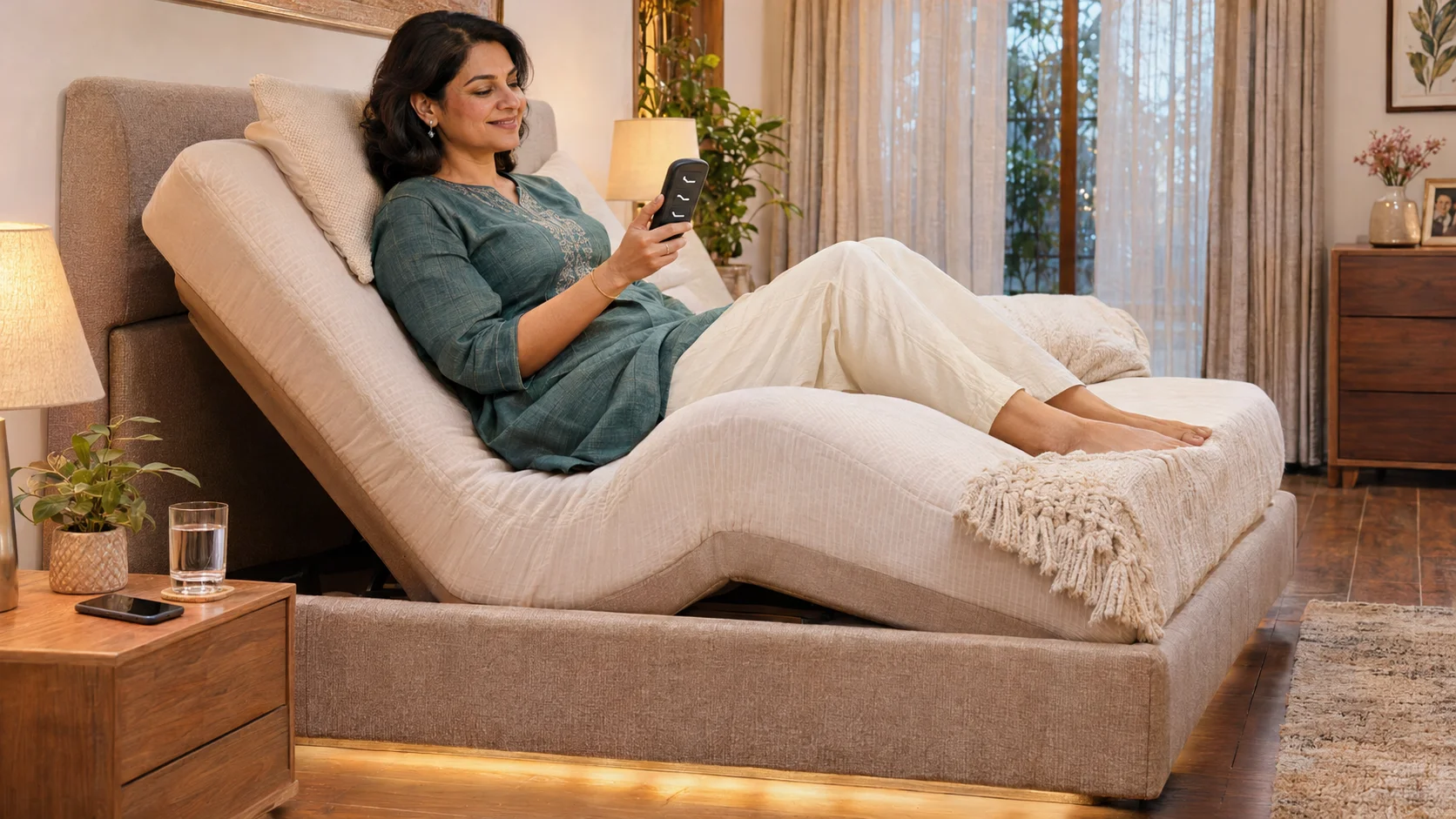
| Under-bed night light | Lights the floor beside the bed | Seniors and night-time walkers | Does it switch on automatically? |
| USB charging ports | Charges a phone near the bed | Phone users | Where are they placed? |
| Massage | Gentle vibration for relaxation | Comfort seekers | Not suitable for everyone, so ask a doctor |
| Zero Gravity preset | One-touch relaxing position | Back pain and comfort | Can the angle be fine-tuned? |
| Wall-hugging or space-saving movement | Keeps the bed near the wall as it moves | Small rooms | Is it built into this model? |
| Backup battery or manual release | Lets you move the bed in a power cut | Seniors and patients | Is it available for this model? |
 The Features Most People Use Every DayÂ
- Presets. One button for sitting up, one for flat and one for Zero Gravity cover most routines. Our guide to your adjustable bed remote explains how they work.Â
- A simple, wireless remote. Large buttons help older users and tired hands.Â
- Quiet motors. Noise matters in a silent bedroom. Our guide to electric bed motors explains what to listen for.Â
- Night lighting. A soft light under the bed prevents trips in the dark.Â
Features That Depend on Your SituationÂ
App and voice control help people who are comfortable with phones, or who find buttons hard to press. They are less useful if the user does not own a smartphone or if the Wi-Fi is unreliable, so make sure the remote still does everything. Massage can feel relaxing, but it is not suitable for everyone, especially people with circulation problems, blood clot risk, skin problems or implants, so ask a doctor before using it. USB ports are a small convenience that you will use every night if you keep your phone by the bed.Â
Safety Features Worth Asking AboutÂ
- Motors that stop when you release the button.Â
- Protected pinch points and neat cable routing.Â
- A way to operate the bed in a power cut, such as a battery or manual release. Our guide on electric beds and power cuts explains this.Â
- Lock-out or child lock, if children are around, as covered in our guide on patient safety with electric adjustable beds.Â
Features That Are Mostly ExtrasÂ
- Complicated apps with many settings that nobody will use.Â
- Gimmicks such as built-in speakers, if you already own good ones.Â
- Too many presets, when three or four will do.Â
- Features that need an internet connection to work at all.Â
Match Features to the UserÂ
| User | Most Useful Features |
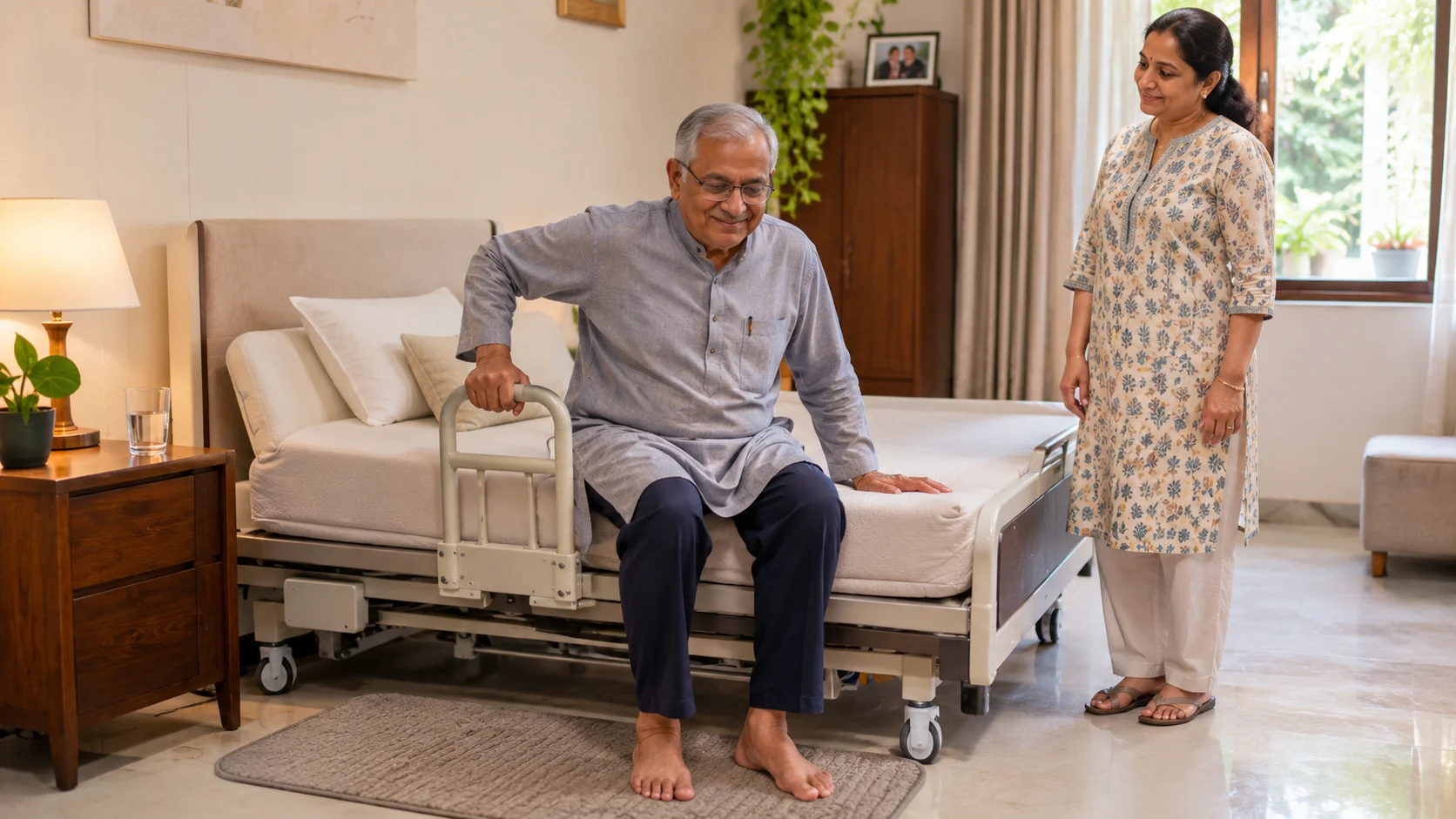
| Elderly parent | Large-button remote, a few presets, night light, backup option |
| Person with back pain | Zero Gravity preset, fine angle control, supportive mattress |
| Couple | Split configuration with independent remotes, see our guide on adjustable beds for couples |
| Younger user who works in bed | App control, USB ports, reading and laptop presets |
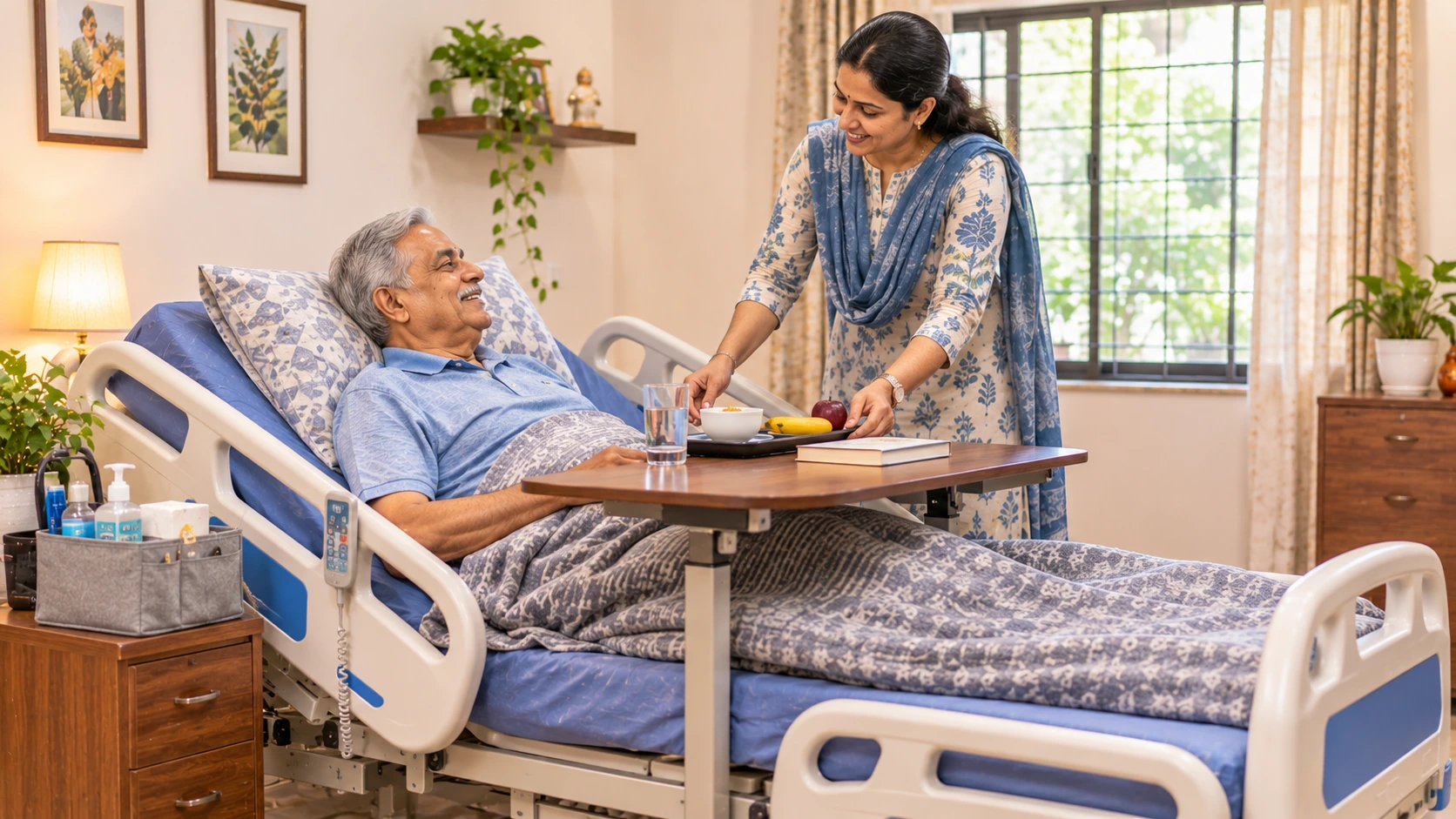
| Patient recovering at home | Reliable motors, easy transfers, a backup option |
IMPORTANT NOTEÂ
Smart features are conveniences and do not replace medical advice. If the bed is for someone with a health condition, ask their doctor or physiotherapist about positions and features such as massage before using them.Â
Questions to Ask Before You ChooseÂ
- Who will use the bed, and how comfortable are they with phones and buttons?Â
- Does the bed work fully without Wi-Fi and without the app?Â
- What happens if the remote is lost or the battery runs out?Â
- Which features are included, and which are optional extras?Â
- Who services the bed, and what does the warranty cover on the electronics?Â
Where to See the FeaturesÂ
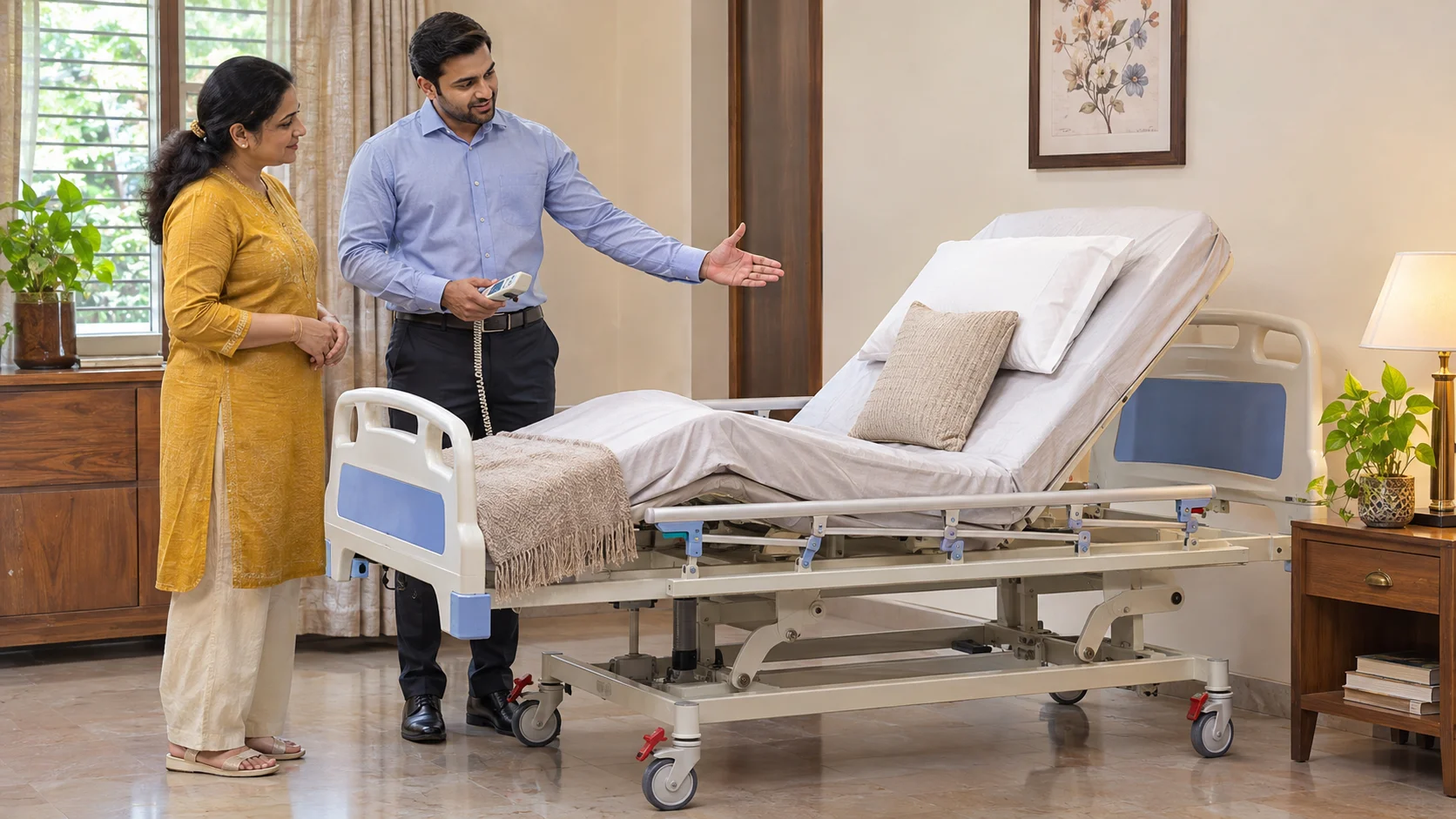
The best way to judge a feature is to use it. Visit a showroom, try the presets and remote and ask the staff to show the app. Zero-G has a showroom in Malad West, Mumbai, and you can read about the range on our recliner beds page. Our guide to the best recliner bed in India gives a twelve-point checklist.Â
A smart recliner bed should make life simpler, not harder. Pick the features you will use daily, keep a plain remote as the backup, ask about safety and service, and ignore the rest of the list. A bed with fewer features that works every night is better than one full of extras that nobody touches.Â
Explore our Recliner Beds range or get in touch for a consultation.Â
Related ReadingÂ