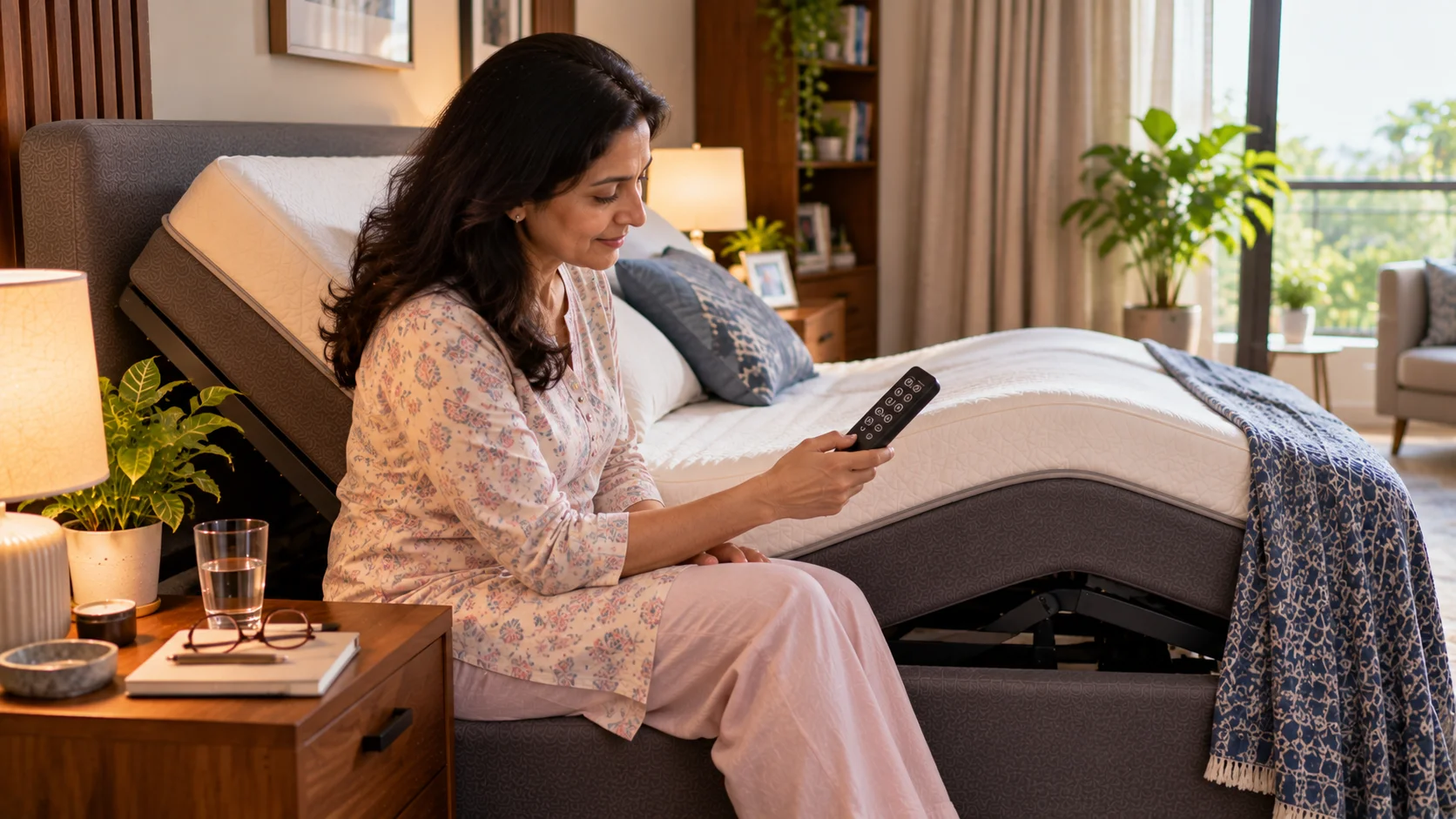
Most people learn two buttons on their adjustable bed remote -head up, head down -and never touch the rest. The presets and memory features are where the real value sits: a one-touch Zero Gravity button, saved custom positions, and a flat-return shortcut can turn a multi-step nightly adjustment into a single press. Here’s what each common button actually does and how to set it up properly.
An adjustable bed’s remote is the part you’ll touch every single day, yet it’s also the part most people never fully explore past the basic up and down arrows. Learning what the other buttons do, and setting up position memory correctly, is a five-minute task that pays off every night afterward.
The Buttons Most Remotes Include
| Button | What It Typically Does | Why It’s Worth Using |
| Head up / down | Moves only the head section | Fine-tunes reading or TV position |
| Leg up / down | Moves only the leg section | Adjusts circulation or knee-support angle independently |
| Zero Gravity (one-touch) | Moves head and legs together to a pre-set balanced angle | Saves manually combining both sections every night |
| Flat / Reset | Returns the entire bed to level in one press | Fast, safe default position and a good troubleshooting reset |
| Memory 1 / Memory 2 (where fitted) | Saves and recalls your own custom angle combinations | Lets two people, or two routines, each have a one-touch position |
| Under-bed light (where fitted) | Toggles a built-in light strip | Useful for night-time bathroom trips without a bright overhead light |
Setting Up Position Memory Properly
- Start from flat so you have a known, repeatable starting point.
- Adjust the head and leg sections to your actual ideal angle, not a rough approximation -take the time to get it right once.
- Hold the Memory button for the duration shown in your manual, usually two to three seconds, until you see a light confirm or feel a small vibration.
- Test it the next day by returning to flat and pressing the memory button, to confirm it saved the angle you expected.
- Repeat for a second preset if your remote supports it -many people save one position for sleep and a second for reading or reflux relief.
Why the One-Touch Zero Gravity Button Matters More Than It Seems
Manually combining a head and leg angle every night introduces small, inconsistent variation -close enough most nights, but not the same angle twice. A saved Zero Gravity preset removes that variability entirely, which matters because consistency is a large part of what makes positioning-based relief work over weeks and months. If you’re still finding your ideal angle, our guide on how does the zero-gravity feature in adjustable beds work explains what you’re aiming for before you save it as a preset.
Using Two Memory Presets for Two Different Needs
If your remote supports more than one saved position, it’s worth using them deliberately rather than saving the same angle twice. A common, genuinely useful split is one preset for sleep -a gentle, sustainable Zero Gravity angle -and a second for a specific daytime or symptom-driven need, such as a steeper upper-body angle for reading or managing reflux. Couples sharing a dual-adjustable frame can also each save their own preset on their own side’s remote, avoiding the nightly back-and-forth of resetting a shared angle.
Shortcuts Worth Learning
- Press and hold, rather than tapping repeatedly, on most remotes -holding the button gives smoother, more controlled movement than rapid tapping.
- Use the flat-return button as your troubleshooting first step any time something feels off, since it gives both you and the motor a known, neutral starting point.
- Keep a spare set of batteries somewhere predictable, like a bedside drawer, since a dead remote is one of the most common and most easily avoided disruptions.
- Label your presets mentally or on a small note if you have more than one saved, particularly in the first few weeks before the button positions become automatic.
If Your Remote Doesn’t Have Memory Presets
Simpler, entry-level remotes sometimes skip memory functions entirely. If that’s your situation, the practical workaround is building a quick, consistent manual routine: always start from flat, and always adjust in the same order (legs first, then head) so you develop a feel for the right number of button presses rather than eyeballing the angle fresh each time. It’s a reasonable substitute for true memory, even if it’s not quite as effortless.
Caring for Your Remote So It Lasts
A remote gets handled every day, often in the dark, and a few simple habits keep it working reliably for years. Avoid leaving it tangled in bedding, where it can be crushed or have buttons pressed accidentally overnight, draining the battery. Keep it away from drinks on a bedside table, since spills are one of the more common causes of a remote needing replacement. If your remote has a wall-mounted cradle or holder, using it consistently also means you’ll never spend a frustrating few minutes searching the sheets for it at bedtime.
The remote is the part of your adjustable bed you’ll use the most, and taking ten minutes to properly set up presets and position memory turns a nightly multi-step adjustment into a single, consistent press -which matters more than it sounds, since consistency is a real part of what makes positioning-based relief work over time.
Explore our Adjustable Bed Frame range, built with simple, reliable remote controls across every tier.
Related Reading: